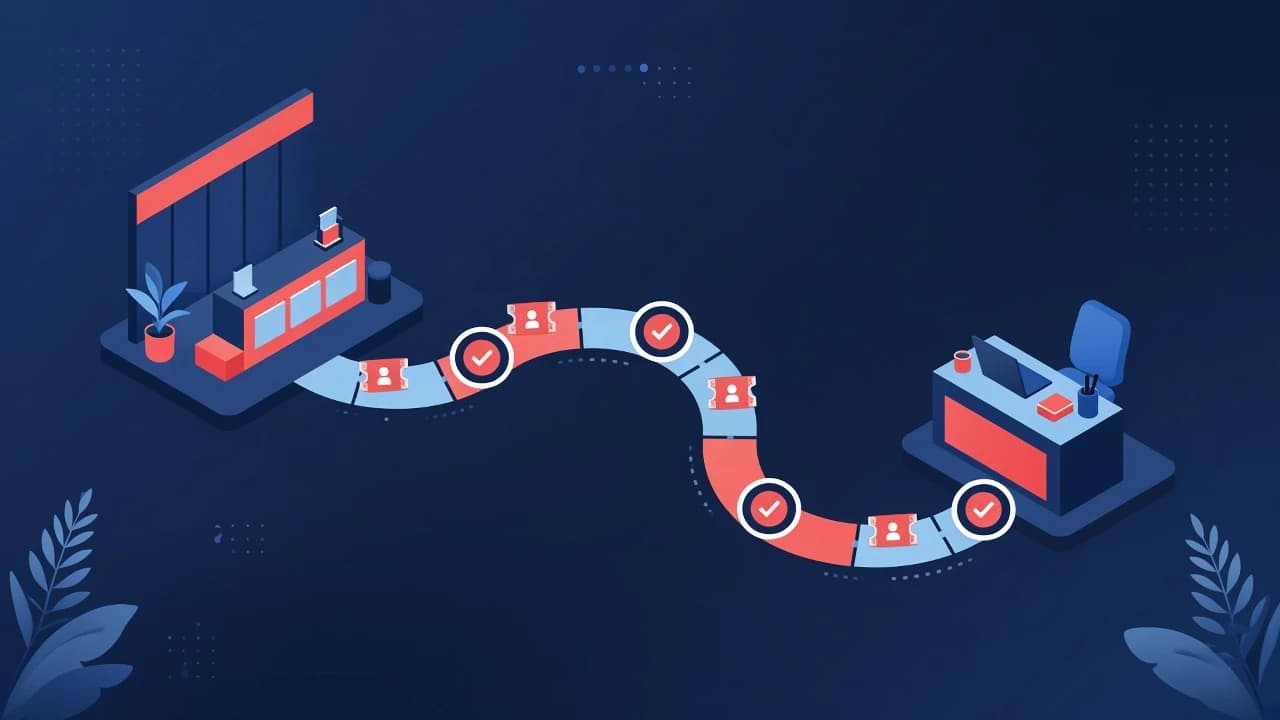
Conference lead response is where most event pipeline is won or lost. The booth had a great three days, the scanner is full, and then the leads sit for a week because nobody agreed who calls whom, or how fast. By the time a rep reaches out, the prospect has already taken meetings with two competitors.
This playbook is about the clock and the owner, not the message itself. It covers response targets by lead tier, who owns each lead in the first 24 to 48 hours, and how to track the SLA so it holds up after the show. For what to actually write in those emails, see our guide on how to follow up with conference leads effectively.
Why conference leads need their own SLA
Your normal inbound SLA probably assumes a steady flow of form fills. Events are different. You get hundreds of leads in a two or three day burst, the reps who had the conversations are still on the floor, and the quality ranges from a buyer with budget to someone who wanted a t-shirt. A single response target for all of them either burns out the team or lets the best leads wait.
The fix is a tiered SLA that everyone signs off on before the show: event marketing, SDRs, account executives, and whoever runs sales ops.
Speed-to-lead targets by tier
Tier leads at the booth, not afterward. A quick A, B, or C from the rep who had the conversation is worth more than any scoring model run a week later. Our booth qualification scripts help reps make that call in a minute or two.
| Tier | What it means | First touch target | Channel |
|---|---|---|---|
| A | Active project, budget or timeline mentioned, asked for a meeting | Same day, ideally within 4 hours | Personal email or text, plus a calendar link |
| B | Real interest, no clear timeline | Within 24 hours | Personal email referencing the conversation |
| C | Light interest, wrong fit, or badge scan only | Within 48 to 72 hours | Short email or nurture sequence |
| Existing customer | Already a customer or open opportunity | Within 24 hours | Account owner, not the event team |
These are starting points. If your sales cycle is long and your show draws mostly researchers, you can relax the B and C targets. Do not relax the A target. A buyer who asked for a meeting at your booth and did not hear back the same day has learned something about how you work.
Who owns each lead in the first 24 to 48 hours
Most response failures are ownership failures. Write down the rule for each case before the show and put it in the booth briefing.
- A-tier, new account: the rep who had the conversation owns the first touch, even if they are still at the event. A short note from the floor beats a polished email three days later.
- A-tier, named account: the account owner owns it. The booth rep logs notes and tags the owner the same hour.
- B-tier: SDR queue, worked in order of capture time, with the booth notes attached.
- C-tier: marketing nurture, unless a rep flags it for a personal touch.
- Existing customers: customer success or the account owner, never a cold sequence.
Name one person as the SLA owner for the event. Their job is not to follow up with everyone. It is to check every evening that each A and B lead has an owner and a first touch logged, and to reassign anything that is stuck.
The first 48 hours, hour by hour
- During the show: leads get captured with tier and notes and land in the CRM the same day. If your CRM is Salesforce, our Salesforce conference lead sync guide covers the setup. For HubSpot, see the HubSpot sync guide.
- Each evening: the SLA owner reviews new A-tier leads, confirms each has a first touch, and reassigns any that do not.
- Day after the show: B-tier leads are worked by the SDR queue. Booth reps finish any A-tier touches they did not get to.
- Day two after: C-tier leads enter nurture. The SLA owner sends a short report on what was hit and what was missed.
How to track the SLA
An SLA nobody measures turns into a suggestion by the second show. Track a few numbers per event:
- Time to first touch by tier, measured from capture time to the first logged activity. Use median, not average, so one weekend lead does not skew it.
- Percent of leads touched inside the SLA for each tier.
- Unowned leads at 24 hours. This should be zero for A and B.
- Meetings booked within 7 days, split by whether the lead was touched inside the SLA. This is the number that convinces skeptical reps.
In most CRMs you can build this with a capture date field, a first activity date, and a formula for the difference. Review it in the event debrief alongside pipeline numbers, and feed it into your conference ROI tracking so speed shows up next to results.
Common ways the SLA breaks
- Leads arrive in the CRM days after the show, so the clock starts late.
- Nobody tiered leads at the booth, so everything looks like a C.
- Two reps both think the other one has it.
- The A-tier list goes to an SDR who never met the prospect.
- The team goes straight back to their regular pipeline and the event leads drift.
Tools to make it easier
A fast first touch is easier when the draft is ready to go. The free conference follow-up email generator gives reps a starting point in seconds. Use the conference checklist to put SLA setup on your pre-show list, and the ROI calculator to show what faster response is worth. You can find the rest of the free Conference Hero tools here.