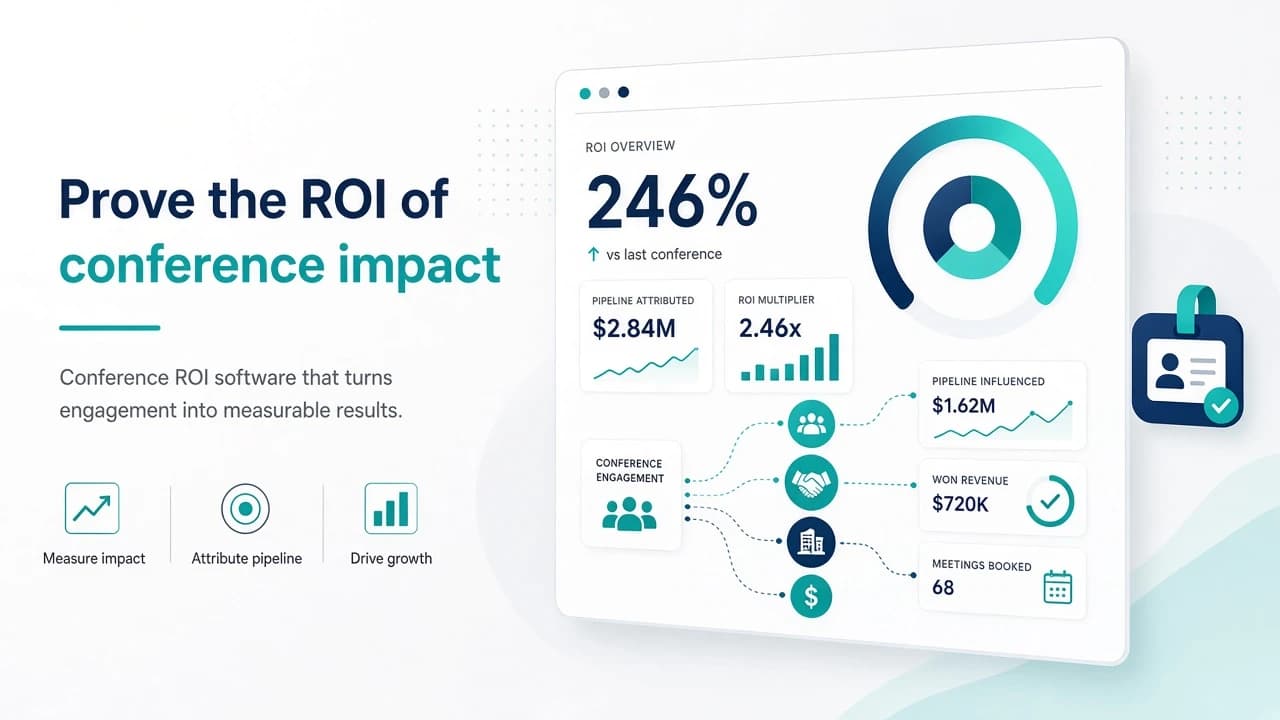
Conference ROI Software: What B2B Teams Need
If you are evaluating conference ROI software, you already know the spreadsheet phase has a ceiling. Badge scans land in one tab, booth costs in another, and pipeline credit lives somewhere in the CRM that never quite matches. This buyer's guide is for demand gen and sales ops leaders who need clear criteria for event ROI tools, CRM attribution, and when it is time to move past DIY tracking.
This is not a formulas primer. For the math on cost, pipeline, and closed-won attribution, see our conference ROI tracking guide. Here we focus on software features, integration reality, and the signals that tell you a tool will actually help finance and sales agree on what the show produced.
When a spreadsheet stops being enough
Spreadsheets work for one or two events a year with a small booth team. They break when you run a multi-show calendar, share credit across SDRs and AEs, or need board-ready numbers within days of the show floor closing.
Common breaking points:
Lead source fields get overwritten by later campaigns, so conference influence disappears.
Travel, sponsorship, and booth labor never join the same view as opportunity amounts.
Follow-up SLAs are tracked in Slack threads, not in a system anyone can audit.
Finance asks for ROI by event and you rebuild the model from scratch every quarter.
If two or more of those sound familiar, conference ROI software is worth a serious look. The goal is not prettier charts. It is a durable link from spend to pipeline that survives CRM hygiene and staff turnover.
Core features to evaluate in event ROI tools
Skip the feature laundry list. Ask whether the product helps you answer four questions after every show: what did we spend, who did we meet, what pipeline did those contacts create, and what closed.
1. Cost capture that matches how you buy events
Look for structured cost categories (booth, sponsorship, travel, shipping, staff time) and the ability to allocate shared costs across multiple shows. Manual CSV uploads are fine for a pilot. Recurring teams need recurring imports or native expense fields so the denominator in your ROI math stays honest.
2. Lead and account association
Badge data alone is not enough. Strong tools let you tag contacts and accounts to a specific event, session, or booth interaction, then keep that association when the record syncs to your CRM. Multi-touch matters here: a prospect who visited the booth and later opened a nurture should still show conference influence, not only the last click.
3. CRM attribution you can defend
This is where most purchases succeed or fail. Confirm:
Native or well-documented sync with HubSpot, Salesforce, or your CRM of record.
Clear rules for first-touch, last-touch, and influenced pipeline so RevOps is not inventing logic later.
Opportunity and contact roles that do not get wiped by marketing automation overwrites.
Exportable reports your CFO will accept without a side meeting to explain field mappings.
Trade show attribution is messy by nature. Software that pretends every deal has a single clean source is selling you a story, not a system.
4. Post-event reporting without a BI project
You should be able to pull an event-level ROI snapshot within a week of the show: spend, meetings, MQLs or SQLs, pipeline created, and closed-won over a defined window. If the vendor expects you to build Looker dashboards before the first report works, factor that implementation cost into your evaluation.
For a sense of what a practical post-event view can include, browse the post-event ROI report help in Conference Hero docs.
B2B event analytics: questions for demos
Bring these into every vendor call:
How do you handle contacts who already exist in the CRM before the show?
Can we attribute pipeline to a conference when the opportunity is created 30 or 60 days later?
What happens when two events influence the same account in one quarter?
Who owns the source of truth if marketing automation and the event tool disagree?
How long does a typical RevOps setup take before the first usable ROI report?
Listen for concrete answers about field ownership and sync direction. Vague talk about "AI insights" without CRM mapping detail is a yellow flag for B2B event analytics buyers.
Build vs buy: practical decision criteria
Stay on spreadsheets (or a light CRM dashboard) when:
You attend fewer than three material shows per year.
One person owns the full event-to-CRM workflow end to end.
Finance only needs a rough annual rollup, not show-level accountability.
Move to dedicated conference ROI software when:
Multiple teams need the same numbers without emailing file versions.
You are deciding which shows to renew and need comparable ROI across the calendar.
Sales leadership wants influenced pipeline, not only badge count vanity metrics.
Many teams land in the middle: keep a lightweight calculator for planning, then use productized tracking for live events. A free starting point is the Conference Hero ROI calculator, which helps you model spend and expected return before you commit to a platform.
How Conference Hero fits without the hard sell
Conference Hero is built for teams who generate pipeline from conferences and need the loop from capture through follow-up to reporting. If you already use it for outreach or lead sync, the ROI reporting layer sits on the same event context instead of living in a separate silo. Pair that with the free tools on the Conference Hero tools page when you want planning helpers without another vendor evaluation.
We will not claim every team needs a full platform on day one. We will say that if your current process cannot answer "what did this show return?" without a two-week data archaeology project, feature checklists matter less than whether the tool closes that gap.
A simple evaluation scorecard
Score each option 1 to 5 on:
Cost capture completeness
CRM sync reliability
Attribution clarity (first / last / influence)
Time to first post-event report
Admin effort after the pilot
Weight CRM sync and attribution higher than UI polish. A beautiful dashboard that loses conference influence on the next campaign sync will not survive budget season.
Next steps for demand gen and sales ops
1. Write down your current ROI definition with finance (pipeline window, cost categories, influence rules).
2. Run one past show through that definition in your spreadsheet so gaps are visible.
3. Shortlist two tools against the scorecard above, plus your DIY baseline.
4. Pilot on the next show with clear success criteria: report delivered in X days, Y% of scanned leads tied to accounts, Z pipeline tagged to the event.
Evaluating conference ROI software is less about finding the perfect vendor and more about forcing a shared definition of success. Get that definition right, then pick the system that can keep it honest show after show.